Start with the email’s current state
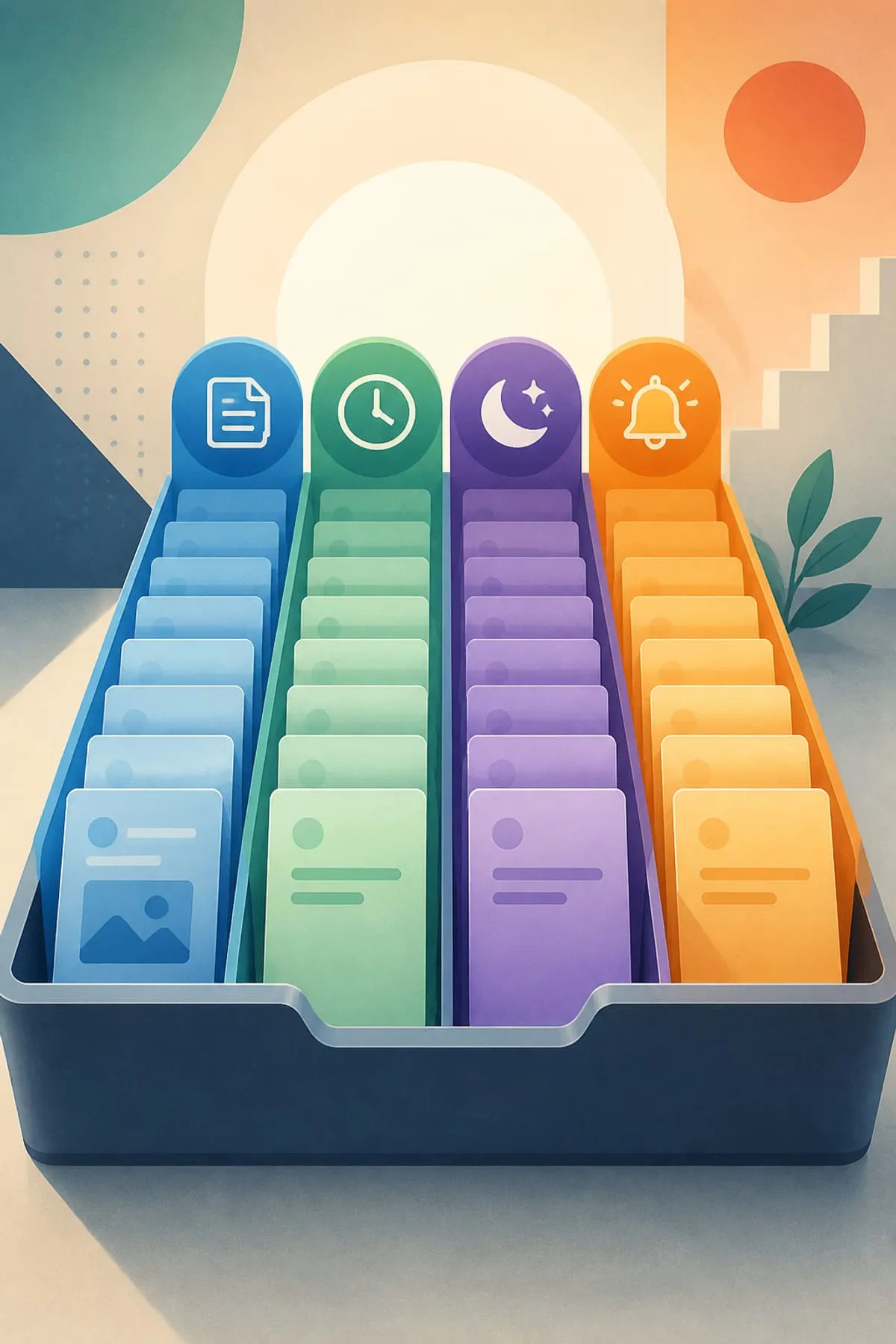
Instead of applying one inbox rule to everything, classify each message as repetitive, finished but not ready to send, deferred until later, or potentially awaiting a reply or follow-up. The four-lane model is Lezzwork’s editorial framework, not an official Google system.
Use templates for stable wording
Gmail lets computer users save message content as a reusable template. Templates must first be enabled under Advanced settings. Treat the inserted text as a starting point, then check names, context, recipients, and any details that can change.
Schedule only completed messages
Scheduled send is appropriate when the writing is complete but the delivery time should be later. Gmail uses the timezone in which the message is scheduled, allows up to 100 scheduled emails, and warns that delivery may be a few minutes after the selected time.
Snooze work that genuinely belongs later
Snoozing temporarily removes a message from the inbox and brings it back to the top at the chosen time. Snoozed mail remains available from the Snoozed section and can also be found by searching for in:snoozed.
Let nudges support a review habit
Gmail can suggest messages that may need a reply or follow-up, provided conversation view is enabled. A nudge is best treated as a review prompt rather than proof that action is required, so check the full thread before responding.
Keep judgment in the loop
The tools handle different mechanics: templates provide reusable text, scheduling controls intended send timing, snooze controls when a message returns, and nudges surface possible unfinished conversations. None of the supplied evidence establishes guaranteed time savings.
Sources
- Gmail Help — Schedule emails to send (computer)
- Gmail Help — Create a template in Gmail
- Gmail Help — Reply to messages in Gmail (includes nudges: suggestions to reply and follow up)
- Gmail Help — Snooze emails until later (computer)
Narration and illustrations in the companion video were generated with AI. Every claim above was checked by a human against the linked pages on 2026-09-08.
Spotted an error? We fix it and list it, dated, on the Corrections page →